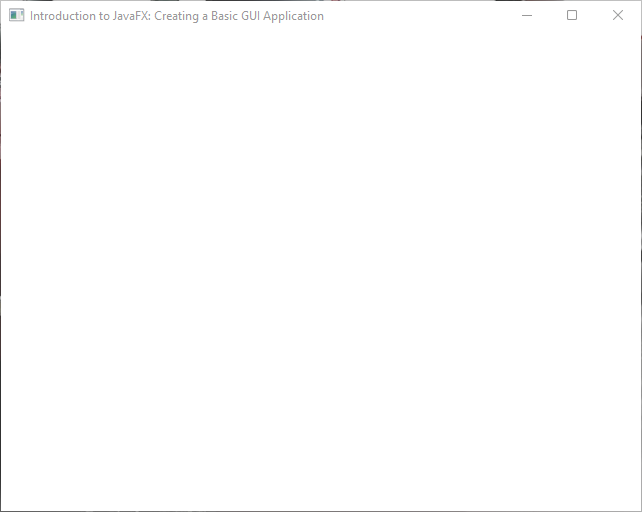
How do I make a simple JavaFX Desktop application? Modern software apps require graphic user interfaces (GUIs), and JavaFX is a well-liked framework for creating them. With JavaFX, programmers can easily build GUIs that are both highly interactive and aesthetically pleasing. The code snippet that follows shows how to use the Stage and Scene classes to build a fundamental JavaFX window.
importjavafx.application.Application;importjavafx.scene.Scene;importjavafx.scene.layout.BorderPane;importjavafx.stage.Stage;publicclassMainextendsApplication{privatestaticfinaldoubleWIDTH=640;privatestaticfinaldoubleHEIGHT=480;@Overridepublicvoidstart(Stagestage){BorderPanelayoutManager=newBorderPane();Scenescene=newScene(layoutManager, WIDTH, HEIGHT);stage.setTitle("Introduction to JavaFX: Creating a Basic GUI Application");stage.setScene(scene);stage.centerOnScreen();stage.show();}}
When the above code is executed, it creates a window or stage as shown in the image down below:
I hope that’s been informative to you. If you wish to learn more about JavaFX, please subscribe to our newsletter today and continue your JavaFX learning journey with us!